
How to Change an ID Card Printer Ribbon: A Complete Step by Step Guide
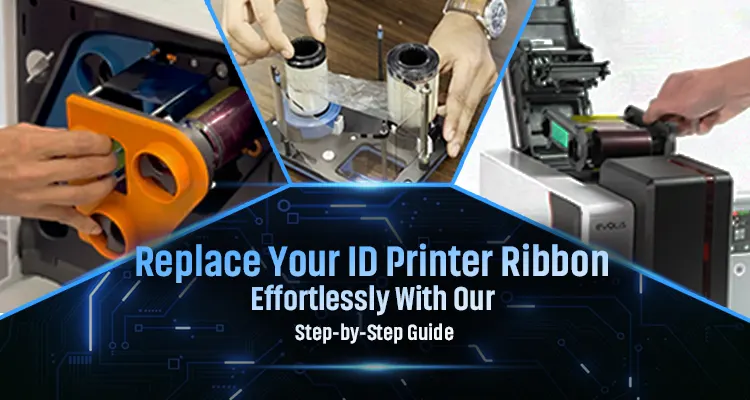
ID card printers depend on high-quality ribbons to produce crisp, durable cards, which makes ribbon maintenance essential for consistent performance. Old ribbons may wear out and can negatively affect the print quality of ID cards. Whether you are using popular ID card printer brands like Heidi, Zebra, Fargo, Entrust, Evolis, Artisjet, Matica, and Magicard, the ribbon replacement process is essential. In this guide, we will discuss how to change the ID card printer ribbon, common mistakes to avoid, and tips to keep your printer running efficiently.
Why Proper Ribbon Replacement Matters for ID Card Printers
Ribbons deplete after printing a set of cards, typically 200–1000, depending on the model and type, and the ink of the ribbon runs out. This causes faded images and color skips in the ID cards. Timely replacement avoids print defects like streaks or gaps from exhausted dye panels and ensures sharp and vibrant ID cards.
What are the Preparations Before Replacing the Ribbon?
- Select a ribbon cartridge that is suitable for your printer model and a cleaning kit for the printer.
- se original manufacturer consumables.
- Power off the printer before starting the ribbon replacement process to ensure your safety.
- Remove the old ribbon cartridge gently, and clean the ribbon path and print head area with the cleaning kit to remove dust before installing the new ribbon.
Safety note: Use gloves to avoid fingerprints or oil on the printer parts of the ribbon.
Ribbon Replacement Process
ID printer ribbons are essential for producing high-quality identification cards. An ID card printer ribbon replacement guide will be helpful in properly managing the replacement process. These are the step-by-step ID printer ribbon replacement process to change a fully used, damaged or old ID printer ribbon and prevent future problems.
Gather required items
Select the new ribbon that matches your printer.
Turn Off the Printer
Switch off the printer and unplug it for safe handling.
Remove old ribbon
Open the printer cover and remove the ribbon.
Clean the printer components
Use the cleaning kit to clean the printhead, rollers, and ribbon path.
Install ID card printer ribbon
Insert the new ribbon in the correct direction to ensure the ID card supply and take-up sides are properly aligned.
Power On the Printer
Close the printer cover, power on the printer, and perform a test print. Check the results to ensure the repair was successful.
Common Mistakes to Avoid when Replacing Ribbons in ID Card Printer
Mishandling or incorrect installation of the ribbon can cause misaligned prints, ribbon breakage, or wasted supplies. These are the common ribbon replacement mistakes that you have to avoid:
- Using low-quality ribbons
These can damage the printhead, cause color issues, and cause frequent ribbon breaks.
- Handling the ribbon with bare hands
Touching the ribbon with bare hands may leave fingerprints and dust that affect the print clarity.
- Avoiding the cleaning process
Skipping the cleaning of the printhead and other parts of the printer before installing the new ribbon may cause smudges or uneven printing.
- Installing the ribbon incorrectly
Wrong alignment or placement can lead to printing errors and card jams.
- Not switching off the printer
Changing the ribbon while the printer is on can cause mechanical issues or sensor errors.
When to Replace an ID Card Printer Ribbon
Considering the ID card printer ribbon lifespan is an important step in taking care of the printer. You have to replace the ribbon when you notice the following signs:
- Reaching Ribbon Yield Limit: When the print limit of the ribbon is over, the ribbon will no longer produce prints. Each ribbon has a limit of 200 to 500 prints.
- Poor print quality: If you notice that the card appears dull and patchy, it means that the ribbon is running slowly and has worn out. This sign indicates that the ribbon has to be replaced immediately.
- Smudging: The ink transfers onto other cards or the printer's internal components.
- Physical issues: You may have to change the ribbon if it is wrinkled or if the printer jams frequently.
Recommended Ribbons & Consumables
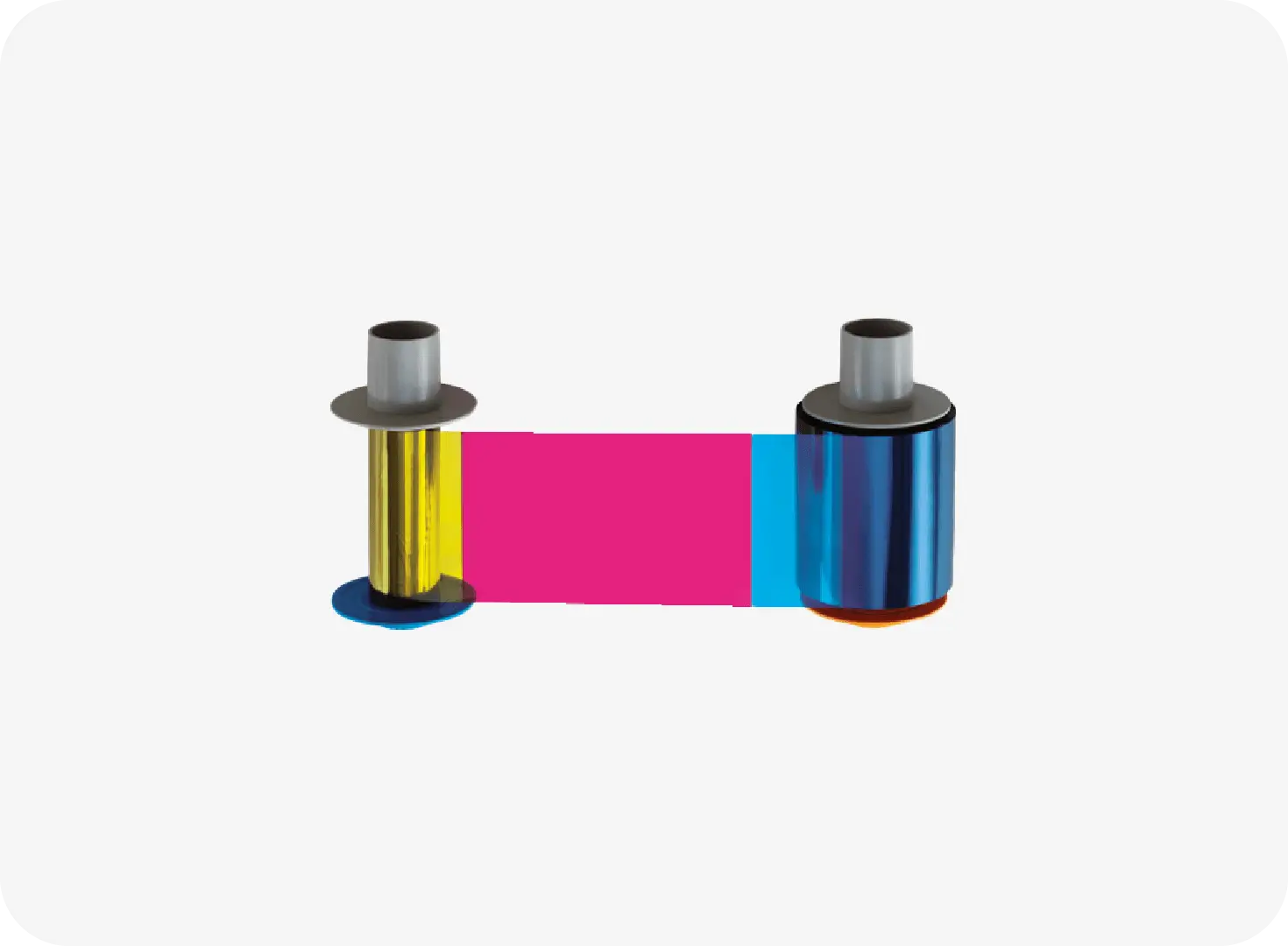
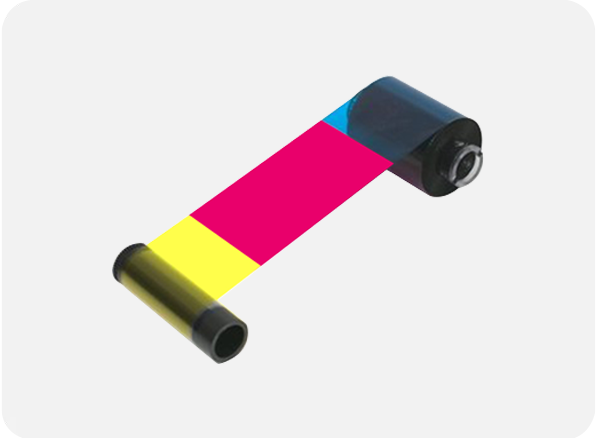
- Heidi color ribbons: The printers such as Heidi CP 55 S and Heidi CP 55 D printers, utilize Heidi color ribbons for sharp, vibrant, and reliable ID card printing.
- HID Fargo consumables: HID Fargo ID card printers insert HID Fargo consumables like Fargo ribbon for printing full-color images and sharp black text or barcodes.
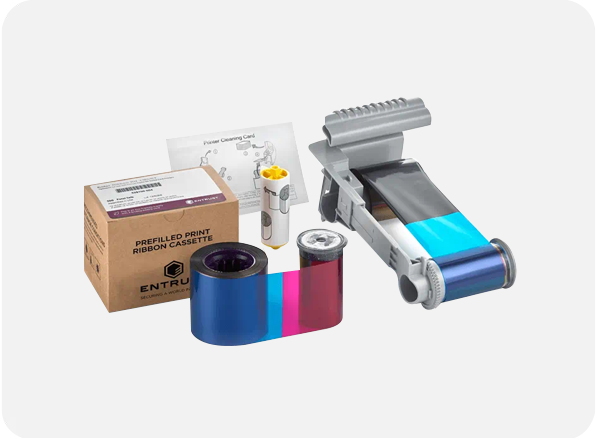
- Entrust consumables:Entrust ID card printers utilize Entrust ribbons to ensure top-quality prints and long-term performance to deliver vibrant images, clean text, and secure overlays with every card.
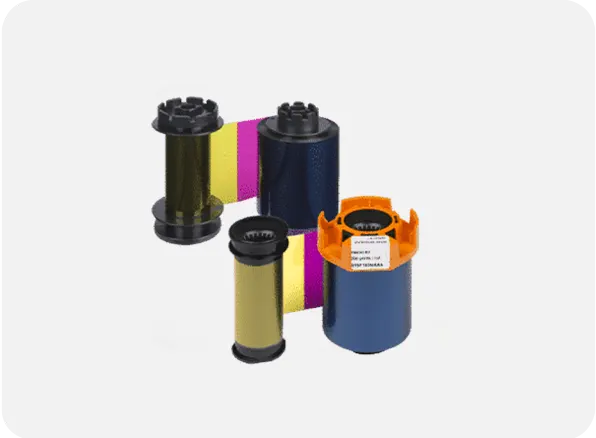
- Evolis consumables:The Evolis consumables are used in Evolis ID card printers to produce vibrant images, ultra-sharp text, and precise barcodes.
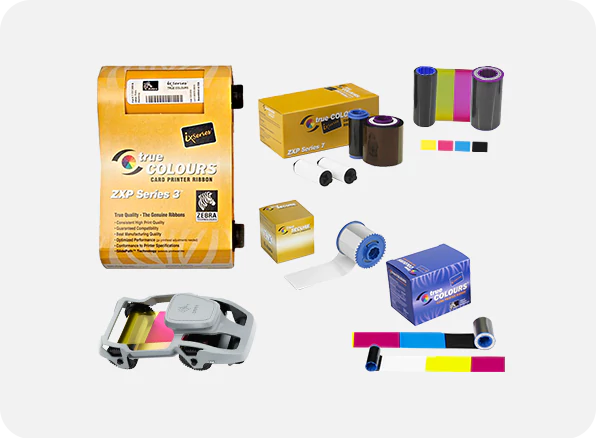
- Zebra ribbon: The Zebra ID card printers use Zebra ribbons to provide sharp, vibrant, and durable prints. It produces full-color photo ID cards, monochrome barcodes, and secure overlay protection.
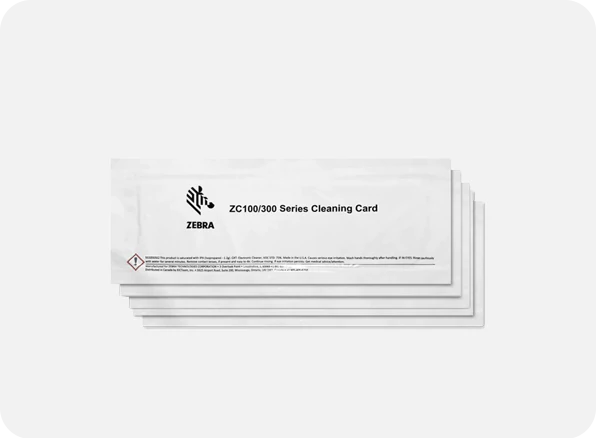
- Zebra cleaning kit: The Zebra cleaning kits removes dust and residue from the ID card printer and help to maintain print quality, protect internal parts, and extend the printer’s lifespan.
Replacing an ID card printer ribbon may be a simple step, but it directly impacts the print quality and durability of the printer. A fresh ribbon ensures your cards look sharp, colors stay vibrant, and barcodes scan correctly. Ignoring the ribbon replacement can lead to faded prints, smudges, and printing errors. Infome is here to help you choose the best ribbon for your printer. Infome provides fast delivery and genuine ID card printers and ID card printer consumables in UAE to make your printing process easier and more efficient. Moreover, we ensure that you receive expert support and warranty for every printer that you purchase from Infome. Contact us now.
Frequently Asked Questions and Answers
-
What are the ID card printer consumables required for the proper functioning of ID card printers in UAE?
You need colour ribbons, cleaning kits, and overlay films to ensure efficient working of ID card printers.
-
Can I replace the ribbon in a Heidi CP55 printer myself?
Yes. You can easily replace the ribbon in the Heidi CP55 printer. First, open the printer cover, remove the ribbon, clean the printer, and insert the new ribbon.
-
How often should I replace my ID card printer ribbon?
Replace the ribbon when the print quality drops or when the colour fades. Most ribbons last for a specific number of prints, so tracking ribbon usage can avoid interruptions.
-
How can I prevent ribbon issues in the future?
Ensure you use original ID card printer consumables, clean your printer regularly, store ribbons properly, and avoid touching the ribbon film. These steps help to reduce downtime and extend print head life.
-
Where can I buy ID card printer ribbons in UAE?
Infome supplies genuine ribbons for all major brands like Heidi, Zebra, Entrust, Fargo, and Evolis. Moreover, we provide fast delivery across all regions of UAE.
Recommended Products for You
Heidi CP51L vs Professional Card Printers: Choose the Best ID Card Printer for Your Business in UAE
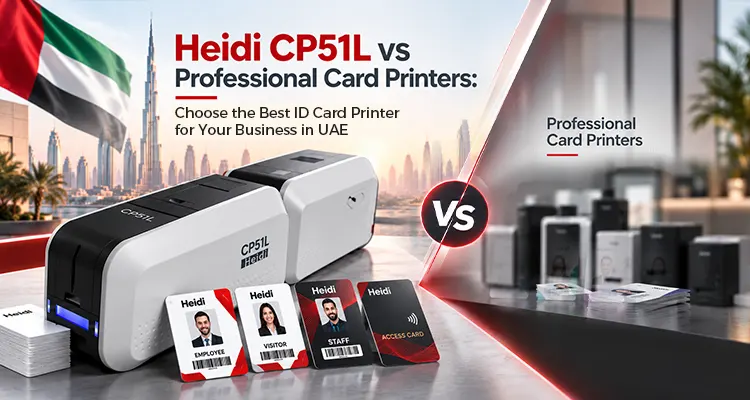
Businesses that issue employee, student, visitor, or access-control cards need more than good-looking prints. Card durability, lamination, security, encoding, printing speed, and long-term usability can all affect the right printer choice. The Heidi CP51L ID card printer combines card printing and integrated lamination, but how does it compare with other professional card printers?
Read Article
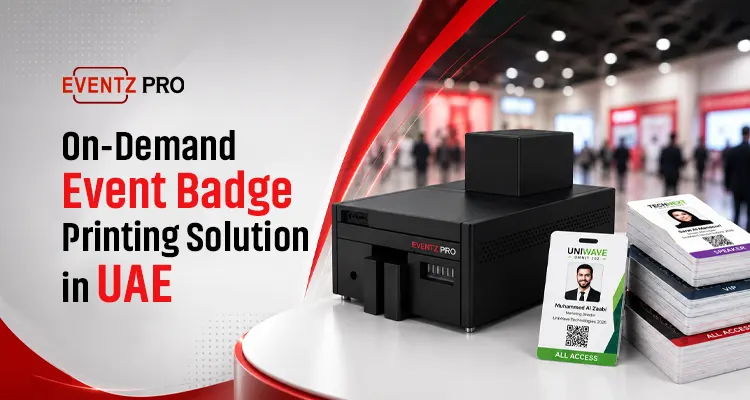
EventzPro: On-Demand Event Badge Printing Solution in UAE
Slow badge printing can affect the smooth flow of a well-planned event. Selecting the right ID card printer is essential for making check-in faster and more organised. Event badges are special IDs that allow attendees to reflect their branding and professional identity. So, events require a special event badge printer like EventzPro to offer premium-looking cards of any size.
Read Article
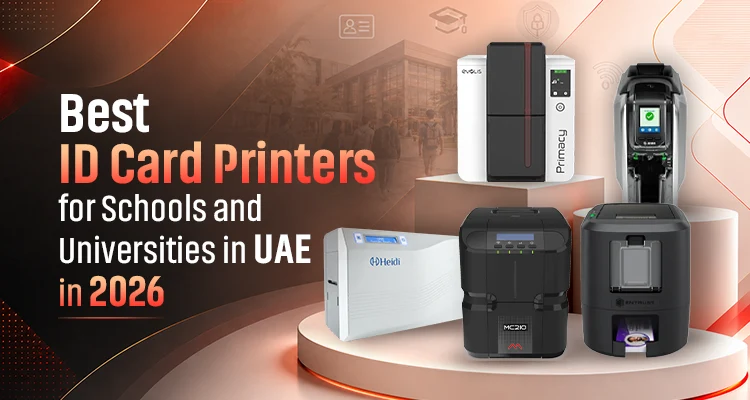
Best ID Card Printers for Schools and Universities in UAE in 2026
Every new academic year in schools and colleges in UAE begins with new admissions, staff onboarding, and student registrations. This has increased the demand for ID card printers for schools and colleges in 2026. Educational institutions in UAE demand on-demand card printing for student cards, staff IDs, visitor passes, and library cards. Therefore, adopting an ID card printer can eliminate printing delays and dependence on external printing.
Read Article
Need the Right Solution for Your Business?
Our experts will guide you to choose the best ID Card Printers that fits your needs and budget.
Heidi CP51L vs Professional Card Printers: Choose the Best ID Card Printer for Your Business in UAE
Businesses that issue employee, student, visitor, or access-control cards need more than good-looking prints. Card durability, lamination, security, encoding, printing speed, and long-term usability can all affect the right printer choice. The Heidi CP51L ID card printer combines card printing and integrated lamination, but how does it compare with other professional card printers?
Read Article
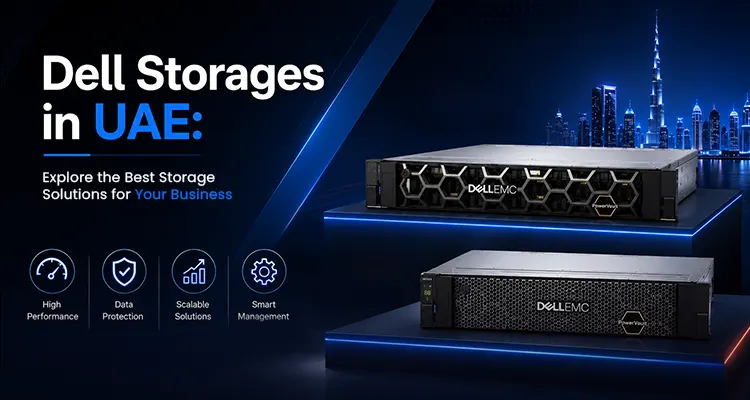
Dell Storages in UAE: Explore the Best Storage Solutions for Your Business
Dell storage is a hardware solution developed by Dell Technologies that helps you store, manage, and protect small to large organizational data.The Dell storage family includes PowerVault for small and medium-sized businesses and PowerStore for all-flash block and file storage. For highly demanding and critical workloads, PowerMax is a better option, and you can manage AI and data-intensive applications with Dell PowerScale storage. Dell PowerFlex is for shared block storage networks, Dell ObjectScale can handle advanced AI-related tasks, and PowerProtect is for data backup and recovery
Read Article
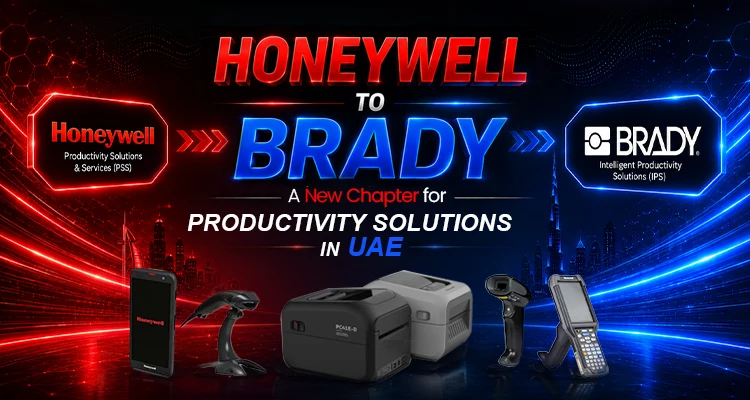
Honeywell to Brady: A New Chapter for Productivity Solutions in UAE
As part of a recent business transition, Brady Corporation has completed the acquisition of Honeywell’s Productivity Solutions and Services (PSS) business. Following the acquisition, the Honeywell PSS business will now operate as Brady Intelligent Productivity Solutions (IPS). Brady Corporation completed its acquisition of Honeywell's Productivity Solutions and Services (PSS) business on August 3, 2026, after initially announcing the agreement on April 20, 2026.
Read Article